
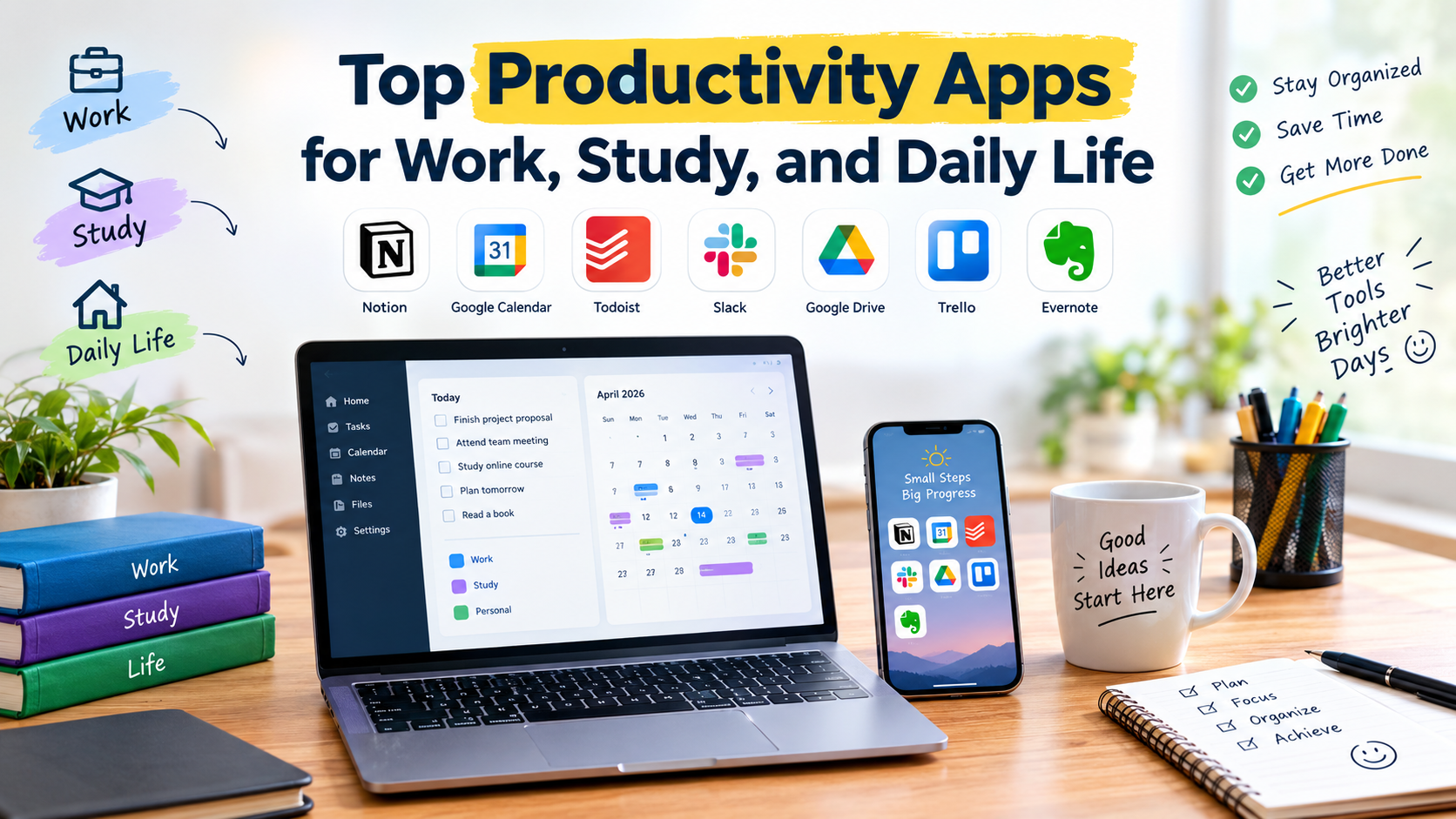
Productivity apps have become essential tools for managing busy schedules, organizing tasks, and staying focused. From professional projects and online meetings to study plans and personal routines, the right apps can simplify daily responsibilities and improve efficiency.
Modern productivity apps offer smart features such as task management, note-taking, calendars, cloud storage, collaboration, reminders, and AI-powered assistance. Choosing the right tools can help users save time, reduce distractions, and maintain better control over their work, study, and everyday activities.
Read More:Major AI Developments Making Waves in the Tech Industry
Task Management Apps
Task management apps help users organize responsibilities into clear and manageable actions. Features such as deadlines, reminders, priority labels, and recurring tasks make it easier to track important activities without relying on memory.
Apps such as Todoist, Microsoft To Do, and TickTick are popular choices for personal task management. Users can create daily checklists, organize projects, and monitor progress from computers and mobile devices.
Note-Taking Apps
Digital note-taking has become an important part of modern productivity. Students can save lecture notes, researchers can organize information, and professionals can record meeting details in one accessible location.
Notion, Evernote, and OneNote provide flexible spaces for writing, organizing information, and storing useful resources. Many platforms also support images, files, tables, and collaborative editing.
Calendar and Scheduling Apps
A well-organized calendar can make busy schedules easier to manage. Calendar apps allow users to plan meetings, classes, appointments, deadlines, and personal activities while receiving timely reminders.
Google Calendar and Microsoft Outlook are widely used for scheduling. Their integration with email, meetings, and other productivity tools can create a more organized daily routine.
Collaboration Apps for Work
Remote work and digital teams require reliable communication tools. Collaboration apps allow employees to share files, discuss projects, attend meetings, and coordinate tasks without being in the same location.
Microsoft Teams, Slack, and Google Workspace provide communication and collaboration features for professional environments. These platforms can reduce unnecessary email exchanges and keep project information easier to access.
Study and Learning Apps
Students can use productivity apps to create study schedules, organize notes, track assignments, and maintain consistent learning habits. Digital tools can also make revision and information management more convenient.
Apps such as Notion, OneNote, Quizlet, and Google Drive support different parts of the learning process. Combining a note-taking tool with a task manager and calendar can create an effective study system.
Focus and Time Management Apps
Distractions can reduce productivity, especially during long work or study sessions. Focus apps help users manage their time by encouraging dedicated periods of concentration followed by short breaks.
Tools such as Forest and Pomofocus are based around focused work sessions. Time-tracking apps can also help users understand where their working hours are being spent and identify habits that need improvement.
Cloud Storage Apps
Cloud storage provides a convenient way to access important files from multiple devices. Documents, presentations, images, and other resources can remain available without depending on a single computer or phone.
Google Drive, Microsoft OneDrive, and Dropbox offer cloud-based storage and file-sharing features. These services are particularly useful for students and professionals who regularly work across different devices.
AI Productivity Apps
AI is becoming an important part of modern productivity software. AI-powered features can help users summarize information, generate ideas, organize content, draft text, and automate repetitive tasks.
AI assistants can support research, writing, planning, and information management. However, users should review AI-generated content carefully, especially when accuracy and originality are important.
Best Productivity Features to Look For
Choosing a productivity app depends on individual needs. A professional managing several projects may require collaboration and task-management features, while a student may prioritize notes, reminders, and study planning.
Useful productivity features include:
- Task lists and reminders
- Calendar integration and scheduling
- Cloud synchronization
- File sharing and collaboration
- Notes and document organization
- Focus and time-tracking tools
- AI-powered assistance
Choosing the Right Productivity Apps
Using too many productivity apps can create unnecessary complexity. Instead of downloading every popular tool, users should select a small combination that works well together and supports their daily goals.
For example, a simple setup could include one task manager, one calendar, one note-taking app, and one cloud storage service. This approach keeps information organized while reducing the time spent switching between different platforms.
Productivity Apps for a Better Daily Routine
Productivity apps work best when they become part of a consistent routine. Users can begin each day by checking their priorities, reviewing scheduled events, and identifying the most important tasks.
At the end of the day, reviewing completed tasks and preparing the next day’s schedule can provide better organization. Small improvements in planning and time management can make productivity tools more valuable over time.
Frequently Asked Question
What are productivity apps?
Productivity apps are digital tools designed to help users manage tasks, schedules, notes, files, communication, and time more efficiently.
Which productivity apps are useful for students?
Students can benefit from task managers, note-taking apps, calendars, cloud storage platforms, and study-focused tools.
Are productivity apps useful for remote work?
Yes. Collaboration, scheduling, file-sharing, and project-management apps can help remote teams communicate and manage work efficiently.
Can AI improve productivity?
AI can assist with tasks such as summarizing information, generating ideas, drafting content, and automating repetitive activities.
How many productivity apps should I use?
A small collection of well-integrated apps is usually easier to manage than using many separate platforms for similar tasks.
Do productivity apps work on mobile devices?
Most popular productivity platforms offer mobile apps or mobile-friendly versions, allowing users to manage tasks and information while away from their computers.
What is the most important productivity feature?
Task management, reminders, synchronization, calendar integration, and easy organization are among the most useful features for everyday productivity.
Conclusion
The best productivity apps for work, study, and daily life are those that match individual needs and routines. Task managers, calendars, note-taking platforms, cloud storage, focus tools, and AI assistants can each solve different productivity challenges.
Rather than relying on a large collection of apps, users can build a simple digital system around their most important activities. With the right tools and consistent habits, everyday tasks can become easier to organize, manage, and complete.
