
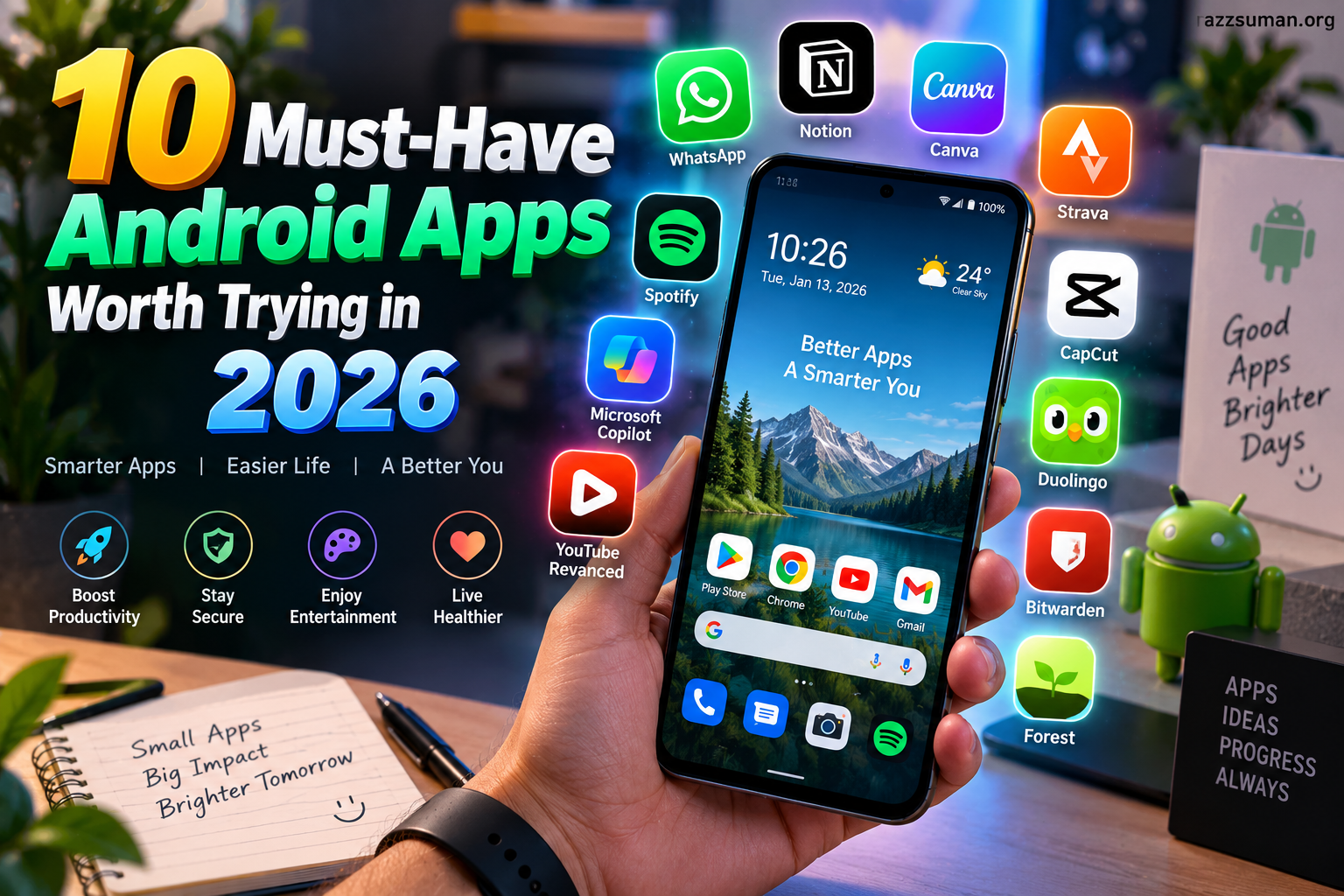
Android apps continue evolving in 2026, bringing smarter features, better performance, stronger security, and improved productivity. From managing daily tasks to editing content, communication, entertainment, and personal organization, the right apps can make a smartphone far more useful.
With thousands of apps available on the Google Play Store, finding reliable options can feel difficult. This guide highlights 10 must-have Android apps worth trying in 2026, focusing on practical features, user-friendly design, and everyday value.
Read More: Best AI Tools for Students in 2026
Google Gemini
Google Gemini has become a useful AI assistant for Android users. It can help with brainstorming, writing, summarizing information, answering questions, and handling everyday tasks through natural-language conversations.
Its integration with the Android ecosystem makes Gemini particularly useful for users who want AI assistance directly from their smartphones. Students, professionals, content creators, and everyday users can benefit from its wide range of capabilities.
Microsoft 365
Microsoft 365 brings essential productivity tools to Android smartphones. Users can work with documents, spreadsheets, presentations, and other files without needing a computer for basic tasks.
Cloud integration also makes it easier to access important files across multiple devices. For professionals and students, Microsoft 365 remains a practical choice for mobile productivity.
Canva
Canva is a popular choice for creating visual content on Android. Its mobile interface lets users create social media graphics, presentations, posters, thumbnails, invitations, and other designs.
Ready-made templates can save time for users without advanced graphic design skills. Content creators and small businesses can use Canva for quick visual projects directly from a smartphone.
Google Keep
Google Keep offers a simple way to organize notes, ideas, reminders, lists, and important information. Its clean interface makes creating and finding notes quick.
Users can also organize information through labels, colors, checklists, and reminders. Google Keep works especially well for people who want a lightweight note-taking solution without unnecessary complexity.
Bitwarden
Password security has become increasingly important as people use more online services. Bitwarden provides a secure way to store and manage passwords, login details, and other sensitive credentials.
Its password-management features can help users avoid reusing weak passwords across different accounts. A reliable password manager can make everyday digital security easier to maintain.
VLC for Android
VLC remains a versatile media player for Android users. It supports numerous audio and video formats, making it useful for people who keep different types of media files on their smartphones.
The app also offers features such as subtitle support, playback controls, and network-streaming capabilities. Its broad format compatibility makes it a useful addition to an Android device.
Google Photos
Google Photos provides convenient photo and video organization along with cloud-based backup features. Users can search their collections, create albums, edit images, and manage memories from one location.
Smart search capabilities can make large photo libraries easier to navigate. For users who regularly capture photos and videos, Google Photos can simplify digital media management.
Notion
Notion combines notes, task management, databases, calendars, and project organization within one platform. Its flexible workspace allows users to create systems suited to personal or professional needs.
Students can use Notion for study planning, while professionals can organize projects, meeting notes, and tasks. Its customization makes it suitable for different productivity styles.
Snapseed
Snapseed is a powerful photo-editing app designed for mobile users. It provides tools for adjusting brightness, contrast, colors, details, cropping, and other image properties.
Its professional editing controls give users more flexibility than many basic smartphone editing tools. Photographers, bloggers, and social media creators can use Snapseed to improve images before publishing them.
Spotify
Spotify remains a major choice for music and podcast streaming. Its Android app provides access to a large collection of music, podcasts, playlists, and personalized recommendations.
Users can discover new artists and create playlists based on their interests. With its combination of music discovery and personalized content, Spotify can add entertainment value to everyday smartphone use.
Why Android Apps Matter More in 2026
Smartphones have become central to communication, productivity, entertainment, and personal organization. Modern Android apps increasingly combine AI, cloud services, automation, and personalization to reduce the effort required for everyday tasks.
Choosing apps carefully can also improve smartphone performance and digital habits. Instead of installing dozens of applications, users can focus on reliable tools that solve specific problems.
Choosing the Right Android Apps
The best Android apps depend on individual needs. A student may prioritize productivity and note-taking apps, while a content creator may need design and photo-editing tools.
Before installing an app, users should consider privacy practices, permissions, developer reputation, update frequency, reviews, and storage requirements.
A useful app should provide clear value without creating unnecessary complexity. Keeping applications updated also helps users access new features and important security improvements.
Frequently Asked Questions
What are the best Android apps to try in 2026
Google Gemini, Microsoft 365, Canva, Google Keep, Bitwarden, VLC, Google Photos, Notion, Snapseed, and Spotify are useful choices.
Which Android app is best for AI assistance?
Google Gemini is a strong option for AI-powered conversations, writing, brainstorming, summaries, and everyday assistance.
Which Android app is useful for productivity?
Microsoft 365, Google Keep, and Notion offer useful tools for managing documents, notes, tasks, and projects.
Which Android app is best for photo editing?
Snapseed provides advanced editing tools for improving photos directly from an Android smartphone.
Is Bitwarden useful for Android users?
Yes. Bitwarden helps users securely manage passwords and login credentials across their devices.
Which Android app is best for entertainment?
Spotify is a popular option for streaming music, discovering playlists, and listening to podcasts.
Here’s a concise, SEO-friendly conclusion for your article:
Conclusion
The best Android apps in 2026 can make everyday smartphone use easier, faster, and more productive. From AI assistance and secure password management to photo editing, entertainment, and task organization, these apps offer practical features for different user needs.
Choosing the right apps can improve productivity while keeping your digital experience simple and organized. Whether you are a student, professional, creator, or casual user, these must-have Android apps are worth exploring in 2026.

1 Comment
Pingback: Top Gaming Trends Set to Dominate 2026